Containerized deployment
The application runs as a containerized service behind an Nginx reverse proxy handling SSL termination and request routing.
A self-hosted project workspace for organizing personal software projects, notes, and progress logs in one place.
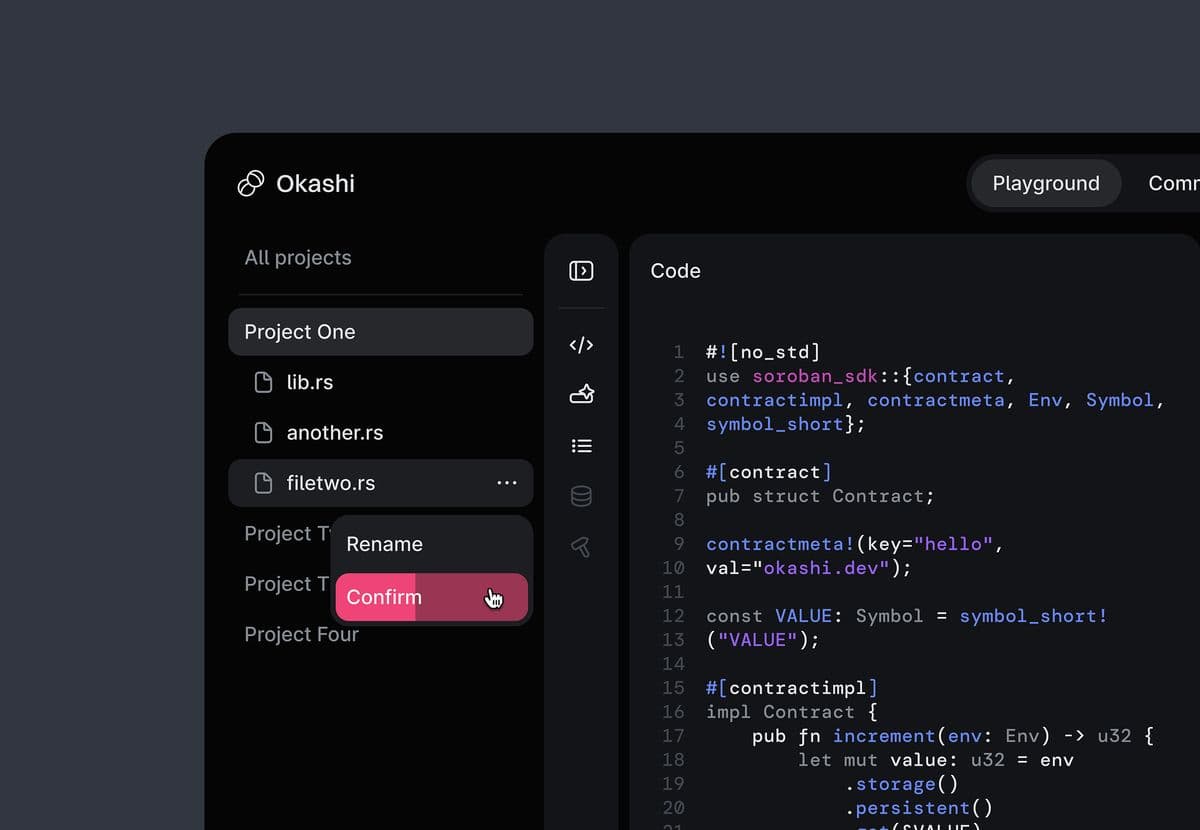
Workspace is a self-hosted tool built to keep track of personal software projects, environment variables, technical decisions, and progress logs in one place.
Instead of scattering notes across markdown files, chat messages, and browser bookmarks, the application organizes project information around structured entries that are quick to update and review.
The application runs as a containerized service behind an Nginx reverse proxy handling SSL termination and request routing.
Project records, changelogs, and tags are stored in PostgreSQL with automated schema migrations.
Next.js server actions handle mutations and revalidate cached paths on demand to keep navigation responsive.
App, database, and backup containers communicate over an isolated bridge network with mounted host volumes.
Started with SQLite for simplicity, then migrated to PostgreSQL once relational queries between tags, logs, and projects grew.
Configuring container volume permissions properly in Docker Compose avoids file permission errors during automated builds.
Keep the initial schema smaller before adding tag filtering and search indices.